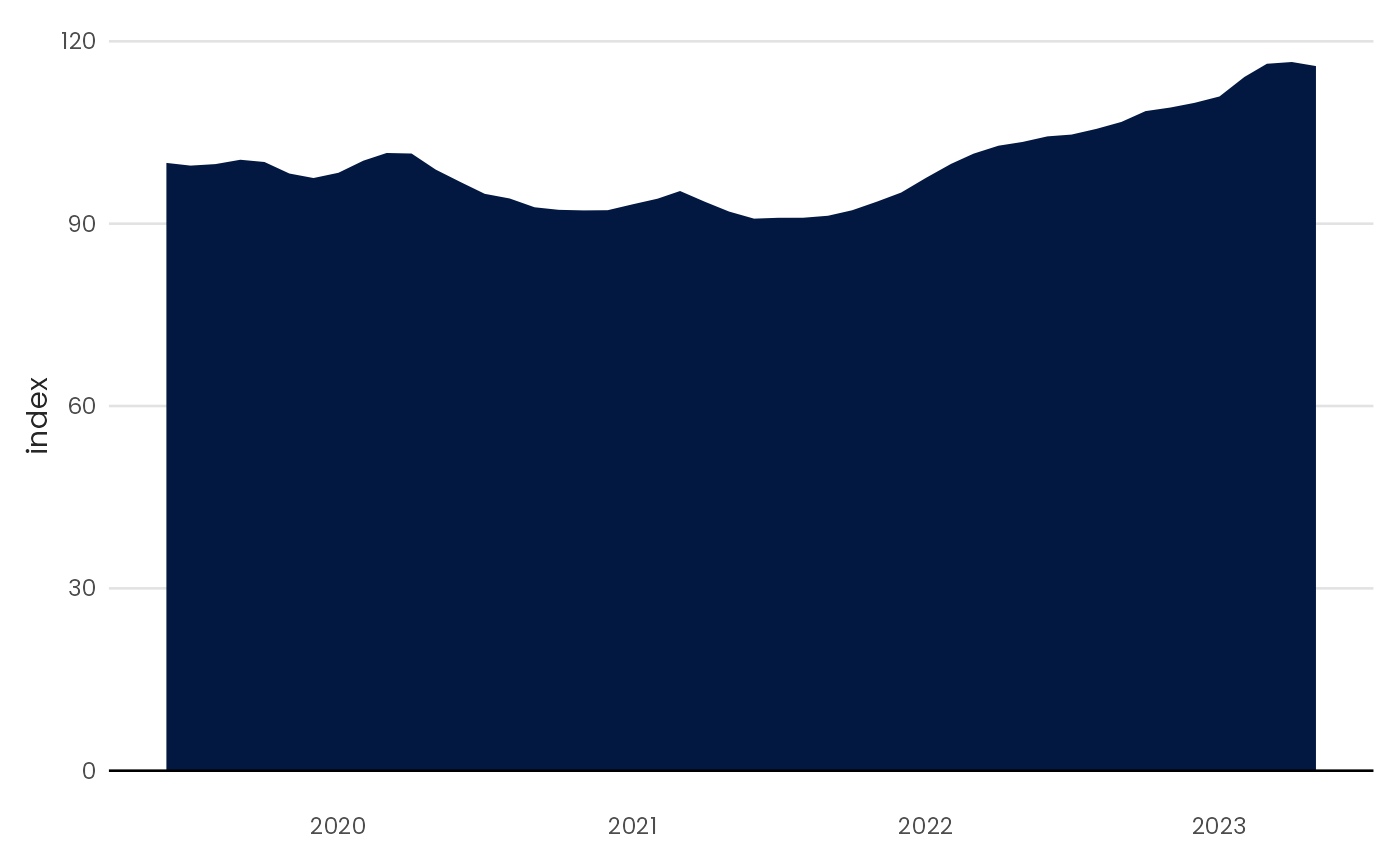
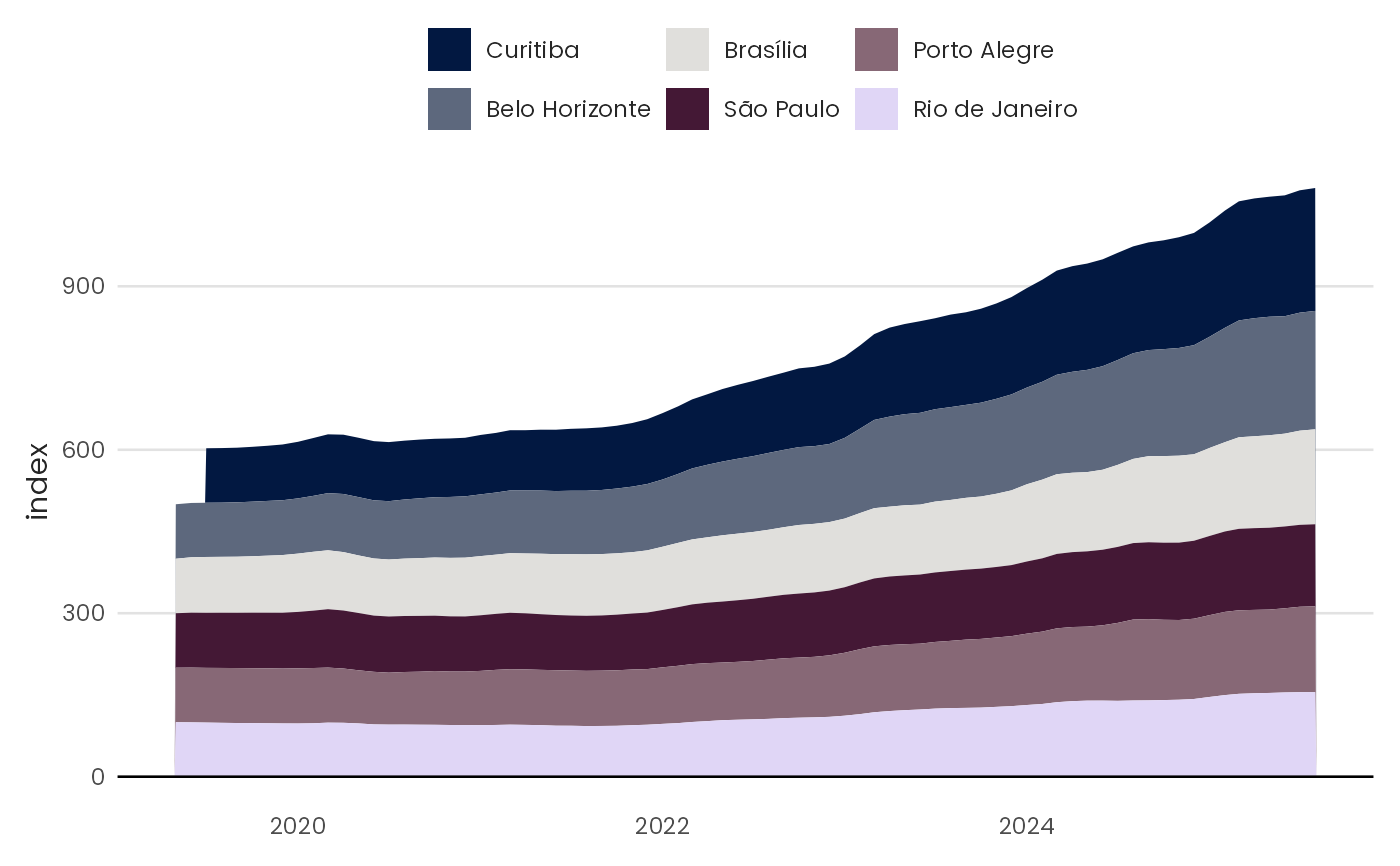
Plot an area chart
Usage
plot_area(
  data,
  x,
  y,
  fill = NULL,
  zero = TRUE,
  order = TRUE,
  pal_name = "qual_benvi",
  scale_name = "",
  scale_label = ggplot2::waiver(),
  position = "stack"
)
Arguments
- data
A data.frame type object
- x
<
data-masked> Variable to be mapped in the x-axis.- y
<
data-masked> Variable to be mapped in the y-axis.- fill
Fill color for the area. Either a color string (e.g.,
"blue","#021841") for a single static color, or a bare column name (without quotes) to map a grouping variable to fill color.- zero
Logical indicating whether a horizontal line crossing the y = 0 axis should be plotted.
- order
Logical indicating if the stacked areas should be ordered. Default behavior (
TRUE) stacks the largest groups on top.- pal_name
String indicating the name of which palette to use.
- scale_name
String indicating fill legend title.
- scale_label
String indicating fill legend labels.
- position
Argument passed to
geom_area.